.png&w=128&q=75)


How to Connect Your Phone to Your Toyota via Bluetooth, Apple CarPlay or Android Auto
Posted in Tips Tricks
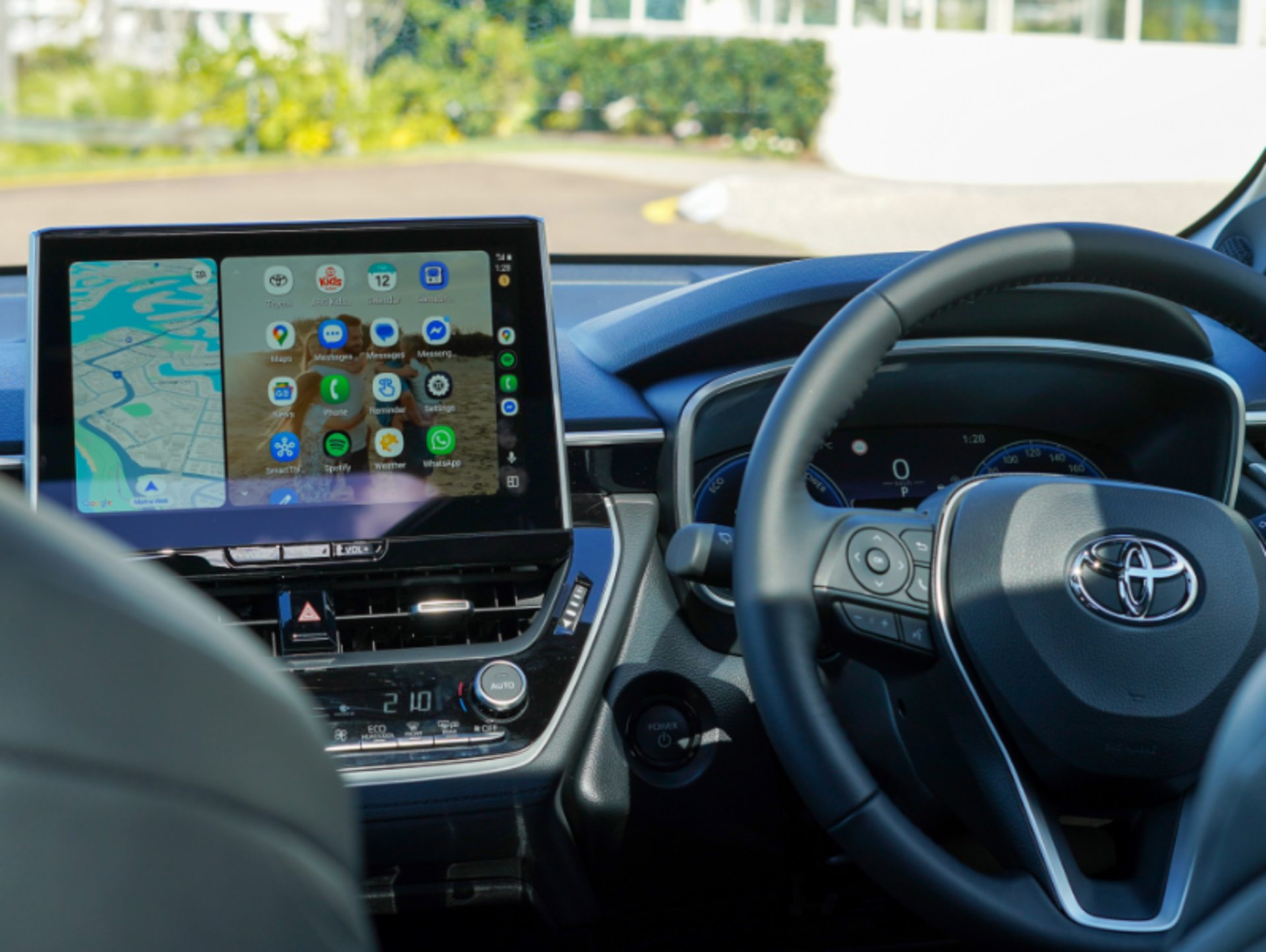
Connecting your phone to your Toyota is quick and easy. In just a few steps, you can pair your device via Bluetooth or use Apple CarPlay or Android Auto for hands free calls, music, maps and apps.
Quick Answer: How do you connect your phone to a Toyota?
- Turn on Bluetooth on your phone
- Open Settings on your Toyota infotainment system
- Select Bluetooth and Devices then Add New Device
- Choose your phone from the list
- Confirm the pairing code
- Enable Apple CarPlay or Android Auto if available
Why connect your phone to your Toyota?
Connecting your smartphone allows you to:
- Make hands free calls safely
- Stream music from apps like Spotify or Apple Music
- Use navigation apps such as Google Maps or Apple Maps
- Access messages and selected apps
- Reduce driving distractions
At Sunshine Toyota on the Sunshine Coast, we always recommend setting this up before your first drive for a safer and more enjoyable experience.
Step by Step: How to connect your phone to a Toyota via Bluetooth
Step 1: Turn on Bluetooth on your phone
- On iPhone: Go to Settings and tap Bluetooth, then switch it on
- On Android: Go to Settings, Connections and tap Bluetooth, then turn it on
Step 2: Pair your phone with your Toyota
Once your Bluetooth® is on, the next step is the pair your phone with your Toyota.
- Start your Toyota and make sure the infotainment system is on.
- On the screen, select the "Settings Gear" in the bottom right hand corner.
- Choose "Bluetooth & Devices"
- Choose “Add New Device”. (Note: Bluetooth® on your phone will need to be switched on at this point)
- Hit "Search for Devices"
- Your Toyota will begin searching, select your phone from the list when it appears.
- Confirm the pairing code shown on both your phone and your Toyota’s screen.
- Accept the pairing request on your phone.
Step 3: Set your preferences
- If you choose to, you can allow your phone to share contacts and call history so you can use hands-free calling.
- Select your phone as the primary device if you’d like it to connect automatically each time you start your car. (this means that if two phones are paired, yours will be the one paired if both are in the car at the same time)
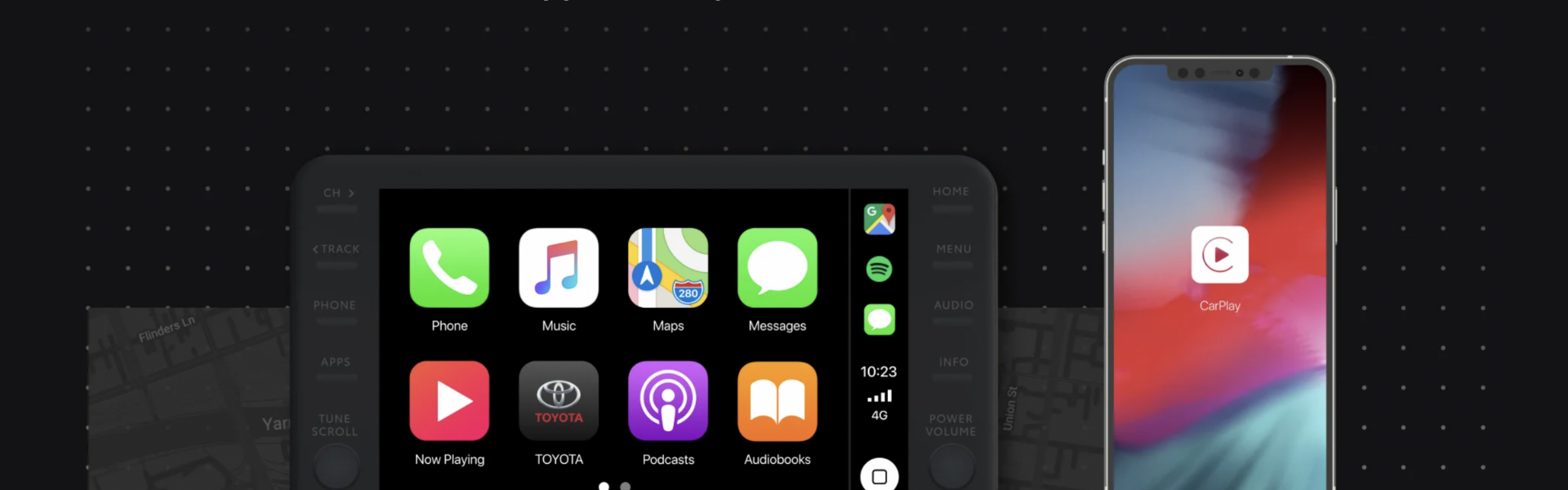
Can you use Apple CarPlay or Android Auto in a Toyota?
Most newer Toyota models in Australia now include Apple CarPlay and Android Auto, often wirelessly.
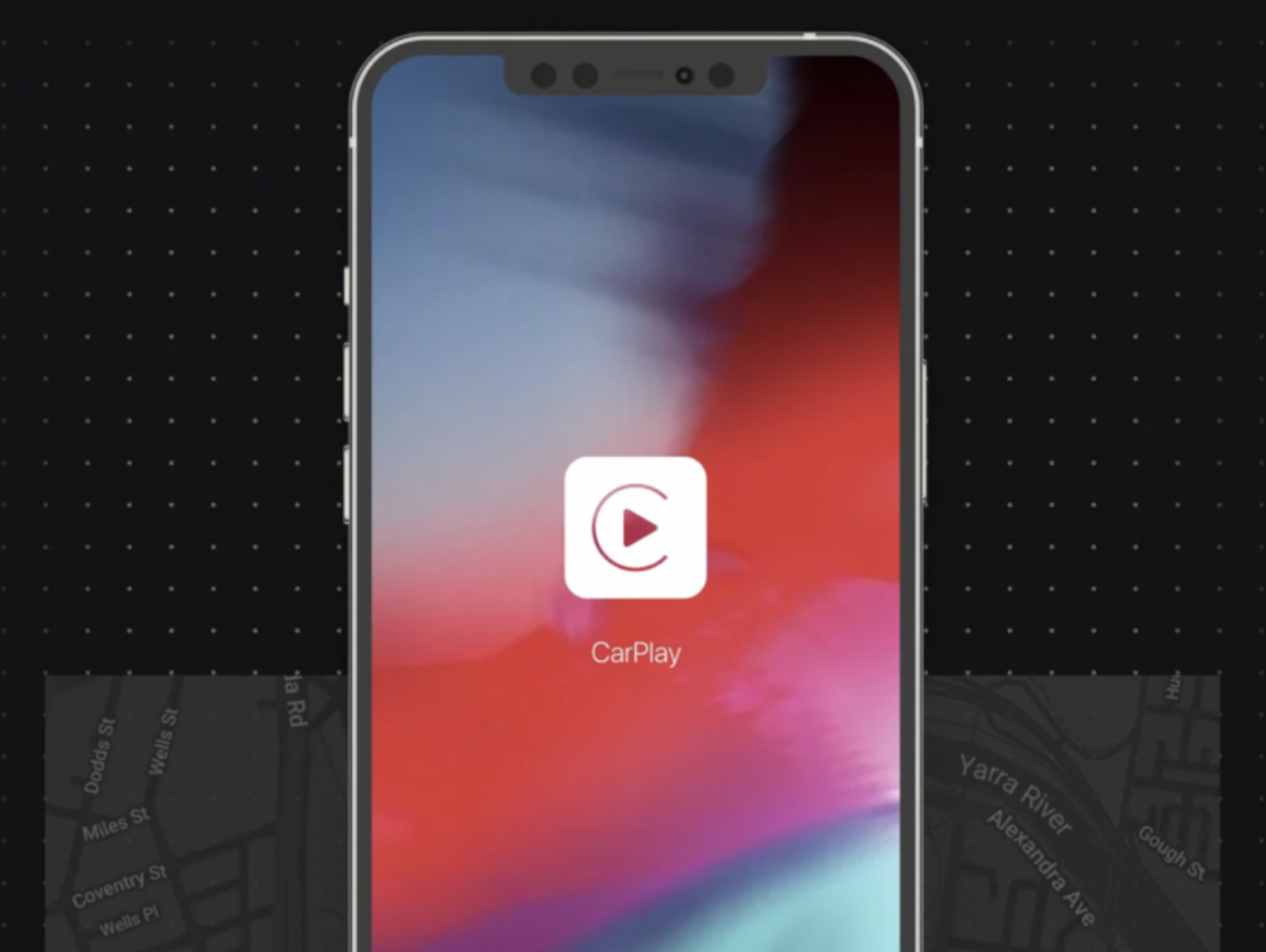
Apple CarPlay
- Connect wirelessly once Bluetooth pairing is complete
- Access Apple Maps, Messages, Apple Music and more
Android Auto
- Many newer phones support wireless connection
- Some models require a USB cable
- Access Google Maps, Spotify, calls and messages
Troubleshooting: Why won’t my phone connect to my Toyota?
If you’re having trouble connecting:
- Delete the device from your Toyota and pair again
- Make sure your phone software is up to date
- Restart both your phone and vehicle system
- Check Bluetooth permissions are enabled
- Ensure no other device is interfering
If you’re in the Sunshine Coast area, our Sunshine Toyota team can help you set this up in person.
Expert tip from our team
We often see connection issues caused by outdated phone software or multiple paired devices competing. Keeping your phone updated and removing unused devices usually fixes the problem quickly.
FAQs
How do I reconnect my phone to my Toyota automatically?
Can I connect multiple phones to my Toyota?
Why is my Toyota not showing my phone?
Do all Toyotas have Apple CarPlay?
Does Android Auto require a cable?
Can I play music through Bluetooth only?
Is it safe to use Bluetooth while driving?
Why does my phone disconnect while driving?
Enjoy safer, smarter driving
Connecting your phone to your Toyota helps you stay connected while keeping your hands on the wheel and eyes on the road.If you need help, visit Sunshine Toyota on the Sunshine Coast and our team will walk you through setup during delivery or your first service.


